
Most PhotoFlare users never find it. It sits quietly under the Filters menu: G’MIC-Qt…
Click it, and something surprising happens. Instead of a single filter, you get a searchable library of over 500 of them – categorised, previewed in real time, and completely free.
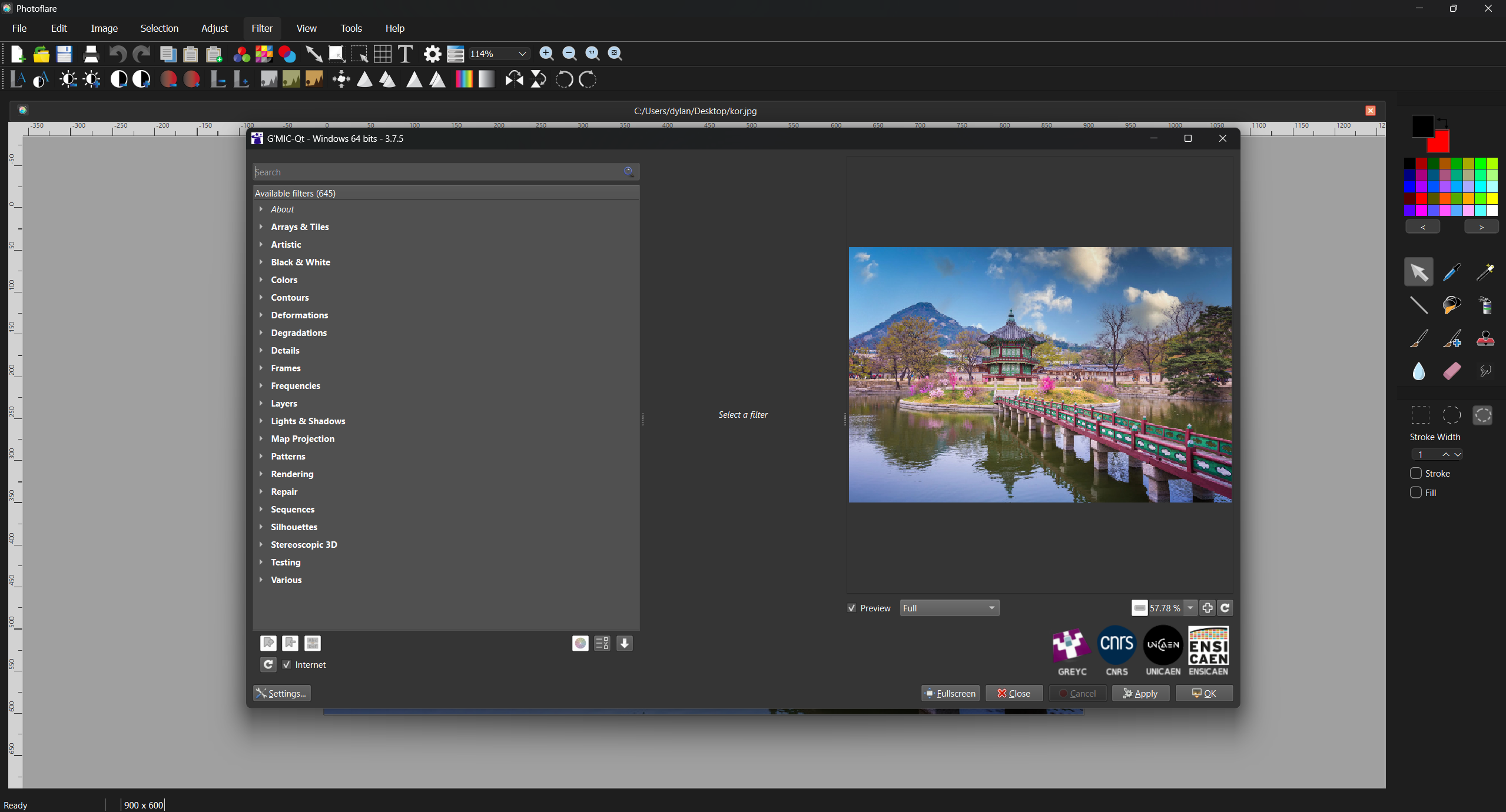
G’MIC (GREYC’s Magic for Image Computing) is an open-source image processing framework developed by researchers at the CNRS in France. PhotoFlare ships with a custom build of its Qt interface, so the whole thing works without any extra downloads or setup.
What’s actually in there?
The categories cover a lot of ground:
- Film Emulation – Kodak Portra, Fuji Velvia, Kodachrome, cross-process looks, and more. If you’ve been paying for a Lightroom preset pack to get this, you can stop.
- Artistic – Watercolour, oil painting, pointillism, cubism. Genuinely useful for turning a photo into a base for digital painting.
- Repair – Patch-based inpainting (remove objects or scratches), non-local means denoising, deblur. Practical stuff.
- Sharpen / Enhance – Frequency-based sharpening that goes well beyond a basic unsharp mask.
- Black & White – Channel-mix conversion, infrared simulation, split-tone.
- Degradations – Film grain, vignette, noise. Useful for adding character rather than just removing it.
- Frames – Finishing touches for social exports.
How it works with PhotoFlare
When you open G’MIC-Qt, your current canvas is handed off to the filter, you adjust settings and preview the result, then the processed image comes back into PhotoFlare – where it sits in your normal undo history. You can undo it like any other edit.
(Vivid Colours example)
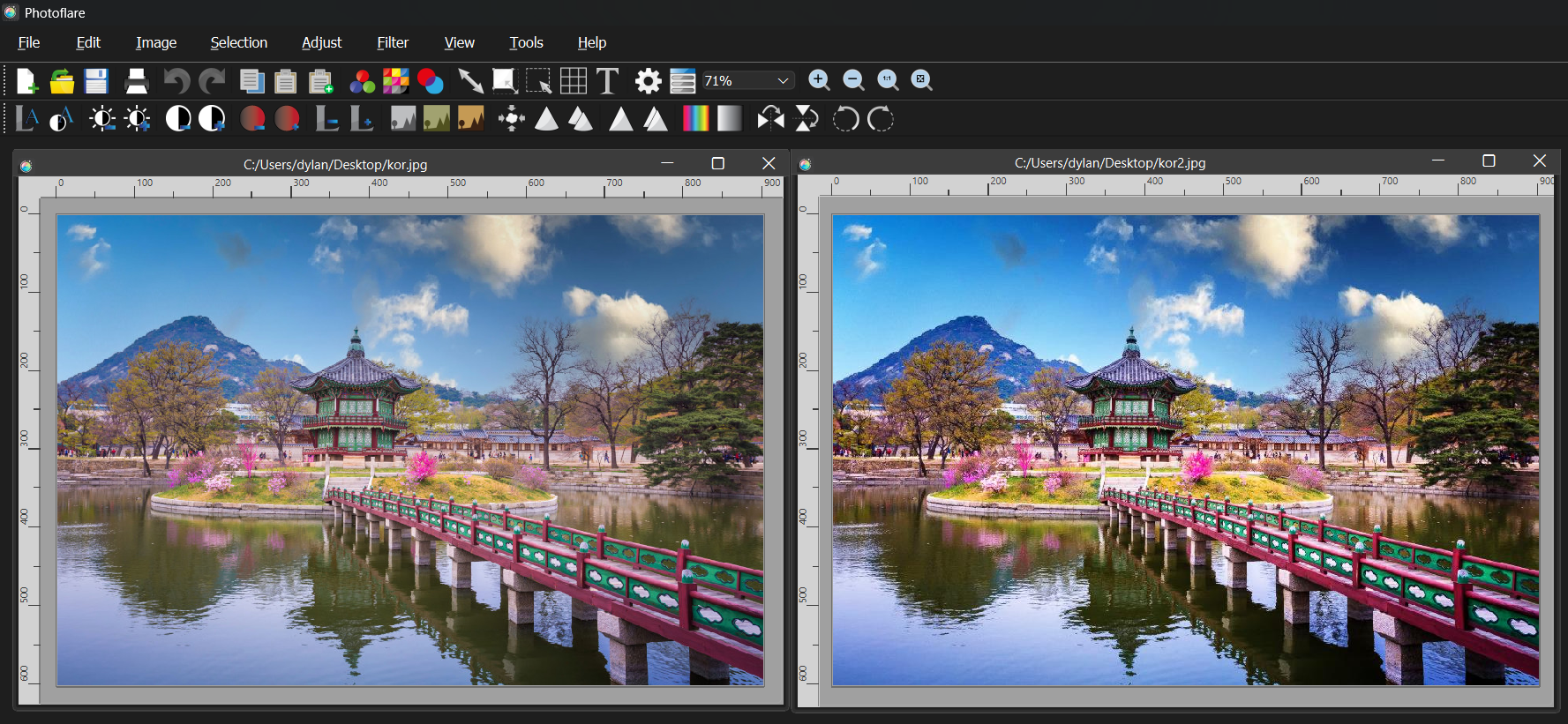
No intermediate files to manage, no copy-paste between applications.
Where to start
If you’ve never opened it before, try the Film Emulation category first – it’s the most immediately satisfying and gives a good sense of what the library can do. From there, Repair → Inpaint is worth knowing about for any photo restoration work, and Artistic → Watercolour tends to surprise people.
The filter option is under Filters → G’MIC-Qt… – it’s been there the whole time.