
Following on from the very successful v1.7.0 release I do have some priority fixes for this build to share.
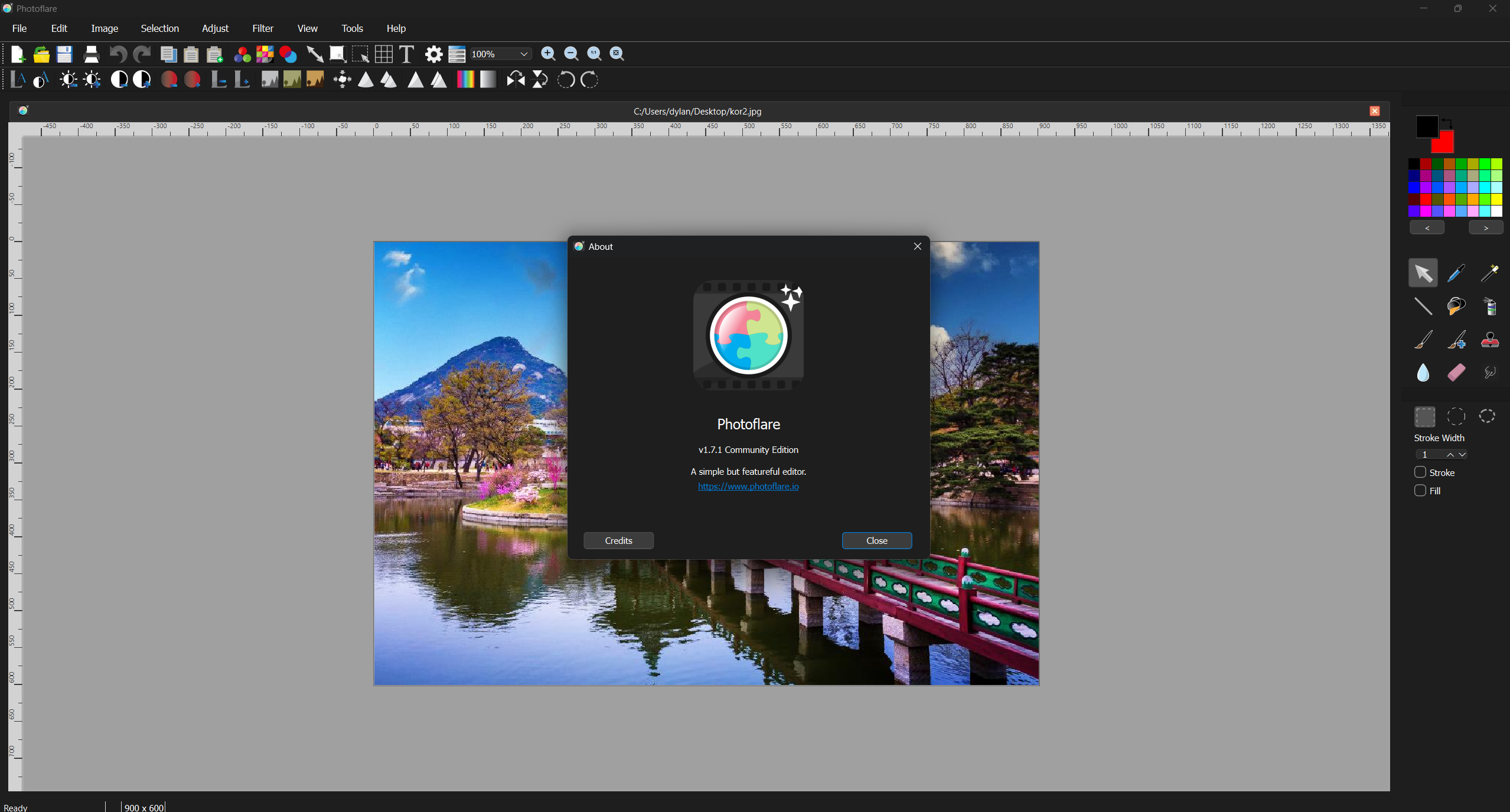
What’s new
- Fixed: Tool palette position not being saved on exit.
- Fixed: Selection tool icons not updating when switching between light and dark icon themes.
- Fixed: Language not reloading immediately when changed in Preferences – language now switches dynamically without restarting the app.
- Fixed: Language generation disabled and stroke incorrectly enabled by default.
- Updated app icon.
What’s Next – PhotoFlare Studio
Adding layers, non-destructive editing, and a professional brush engine to the v1 codebase isn’t feasible – the architecture doesn’t support it without a full rewrite. Rather than quietly abandon these features, I’m building them properly.
PhotoFlare Studio is a new commercial image editor built on the same Qt 6 / C++ foundation, designed to sit between GIMP and Affinity Photo: designed for users who find GIMP’s workflow overwhelming but don’t need everything Affinity Photo offers.
- Layers and blend modes.
- libmypaint brush engine.
- Non-destructive editing.
- RAW file support (planned).
- Local AI tools – no cloud, no subscription.
- One-time purchase, application keeps working forever.
PhotoFlare Lens is a companion RAW image viewer – fast, non-destructive, and built for photographers who want a lightweight way to browse, develop, and export RAW files without a full editor.
If you want to follow development and be first to know about early access:
Find out more and sign up for early access
PhotoFlare (free, GPL) is not going away. Studio is built alongside it, not instead of it.
Thanks to everyone who contributed translations, bug reports, and pull requests over the past two and a half years.