
It’s been a long time since we had a major release. Release v1.6.0 was released in September 2019. Real life has been getting the the way but I’m happy to eventually circle back to the project. We have a much bigger release this time round. Lots to talk about. I’ll start with the big items and work through it.
Migration to Qt6
We have finally moved from Qt5 to Qt6. Deprecated APIs removed, build system updated, and Linux/snap/flatpak dependencies updated accordingly. It was relatively painless, thanks for this wonderfully implemented framework Qt devs!
HiDPI Scaling
As part of the Qt6 upgrade we inherited some out of the box HiDPI scaling. Extra changes were made to add a rounding policy, programatic tool cursors and canvas selection updates to account for DPR.
New Canvas Engine
Complete rewrite of the canvas rendering pipeline based on a dirty zone editing model, significantly improving painting and filter performance. Includes improved line smoothness, zoom-aware hotspot calculations, and a foundation for future improvements.
The previous canvas implementation was quite expensive on memory per frame. This was not noticeable on smaller images 1920 x 1080px and lower but very noticeable on larger images. Now we are taking a new approach to replace the canvas with a better base class and only paint dirty regions.
In terms of perceived interactive feel:
1920×1080: Old was “acceptable but slightly laggy”: New should feel instant. ~2-3x perceived improvement.
4K: Old was noticeably sluggish during fast strokes: New should feel smooth. ~5-10x perceived improvement.
9999×9999: Old was nearly unusable: New should feel comparable to painting on a small image. ~10-50x perceived improvement.
GMIC Integration
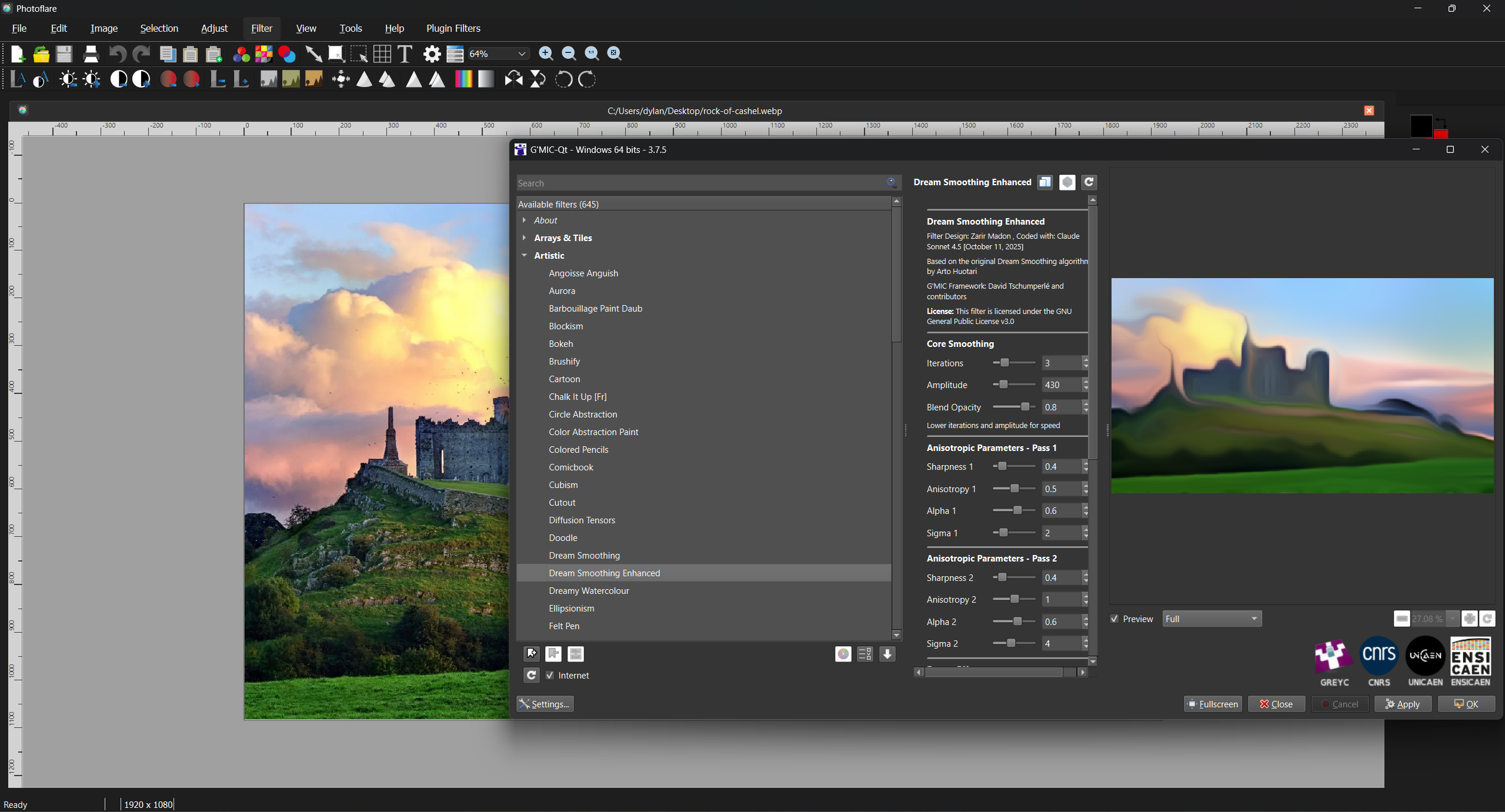
Full integration of G’MIC (GREYC’s Magic for Image Computing), giving access to hundreds of advanced image processing filters via a dedicated dialog.
Selection Tool Updates
Selections are now set per tab and not for the whole application. Selections have some additional features too.
Move selection
You can also move selection with the mouse or keyboard.
New selection shapes
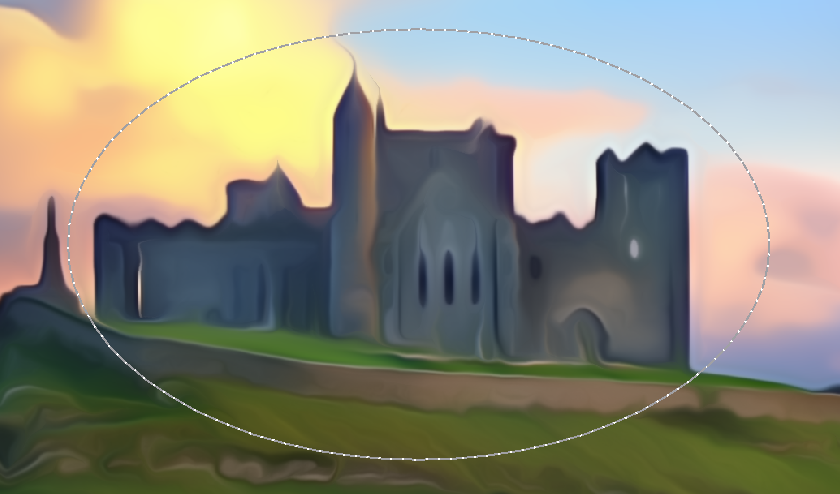
New Selection shapes added such as ellipse and lasso.
- Selection area now rotates with the canvas rotation.
- Selection values shown in status bar.
- Tools now correctly respect selection boundaries.
Edits in selection bounds
You can now target edits inside the bounds of the selections. This includes all toolpalette tools and filters.
Drawing Improvements
- Shift key now constrains lines to straight.
- Eraser tool now supports transparent erasing.
- Eraser tool now paints via right mouse button.
- Improved paintbrush stroke smoothness.
New Filters
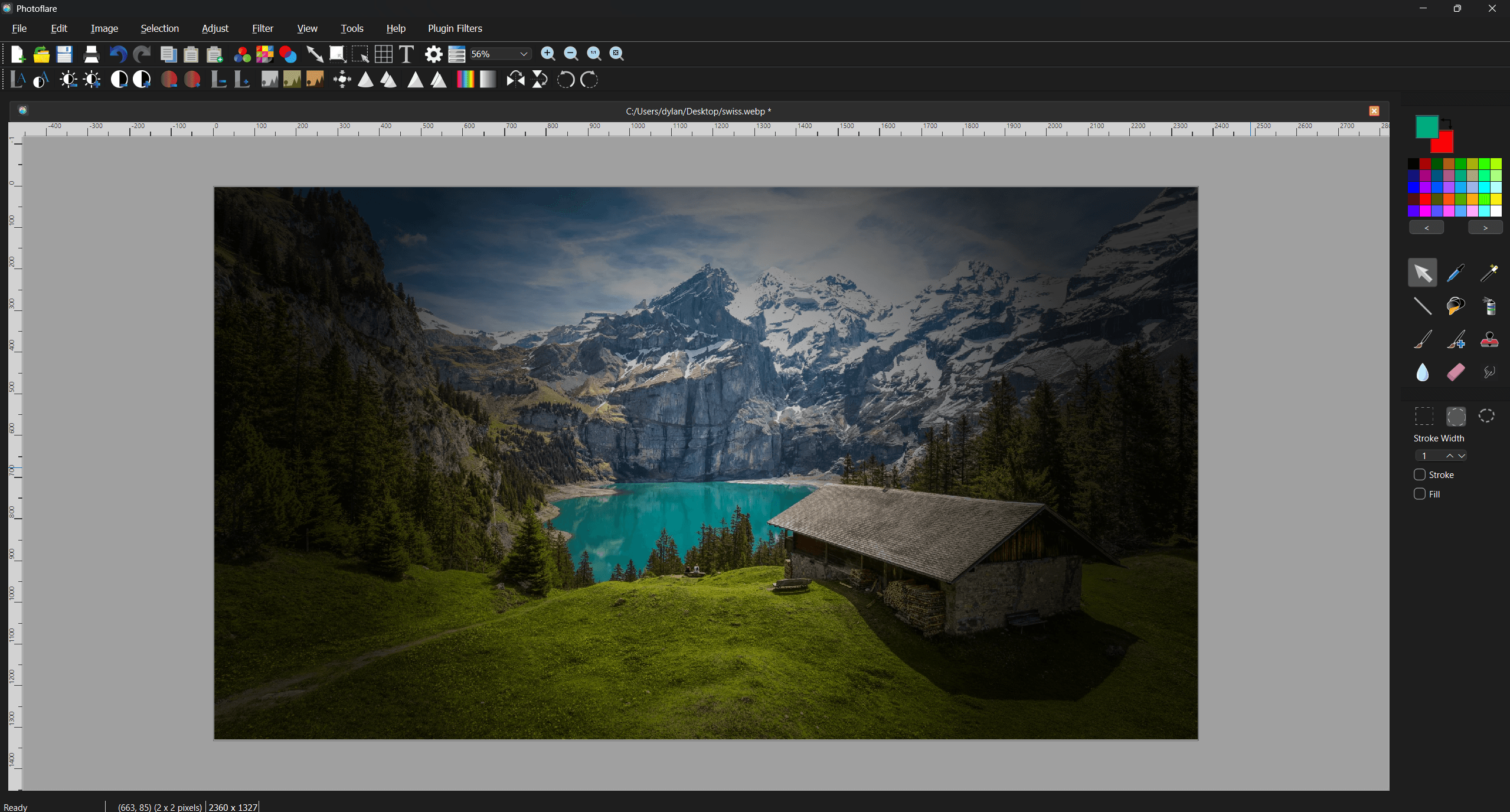
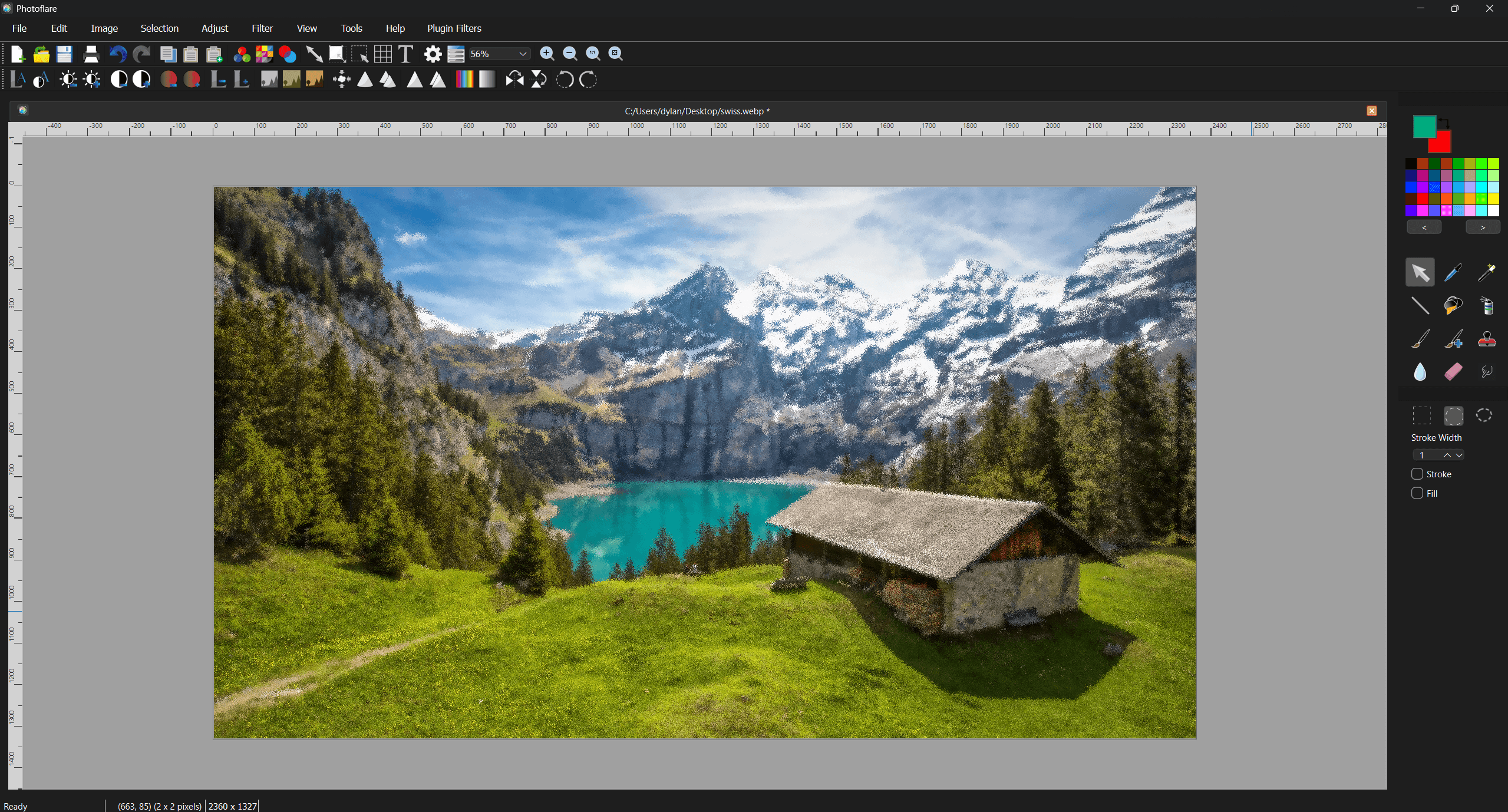
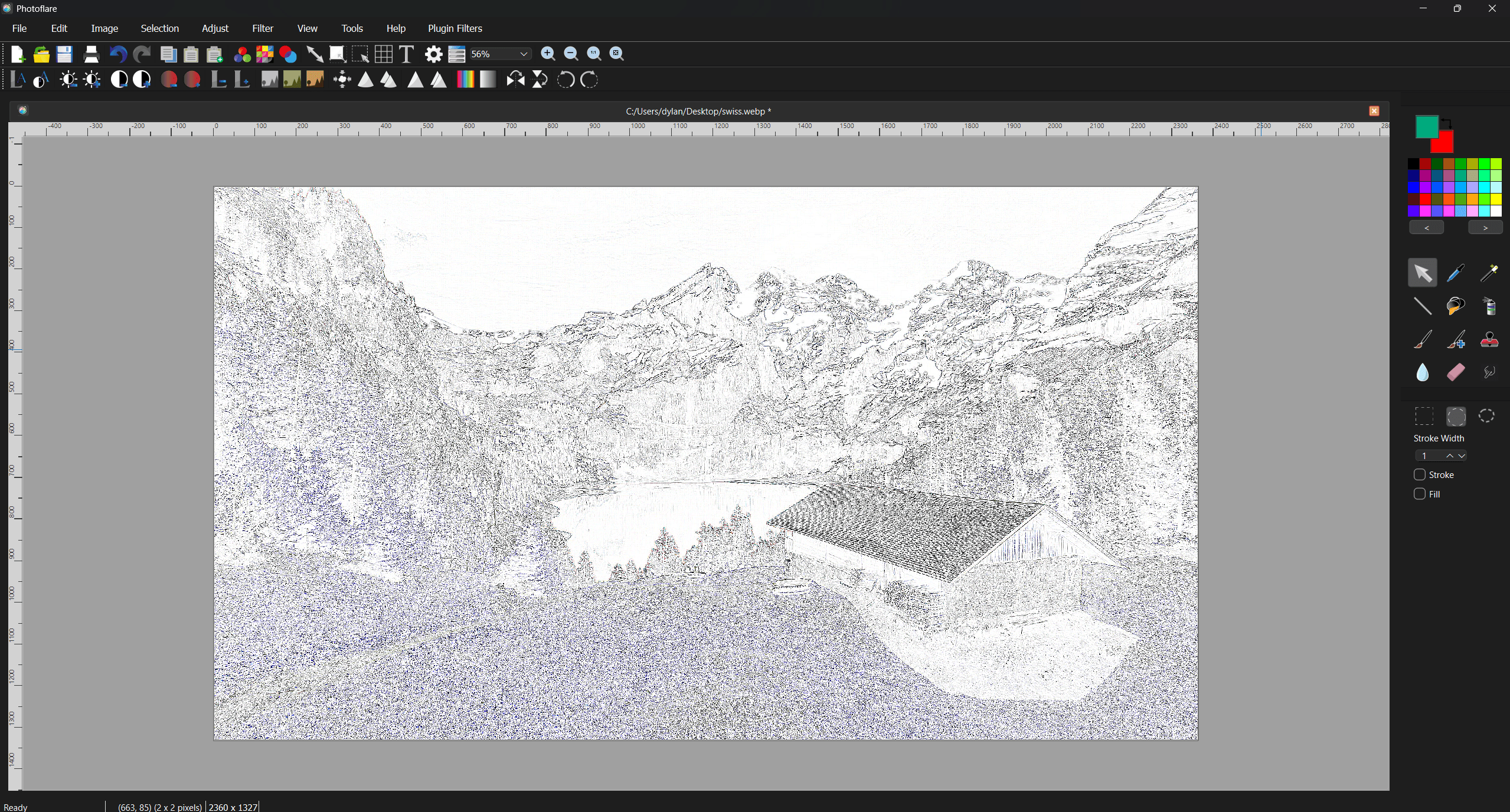
We have a selection of new standard filters added. (outside of G’Mic)
- New and updated filters added to the Batch dialog.
- Blur filter no longer reacts to transparent background.
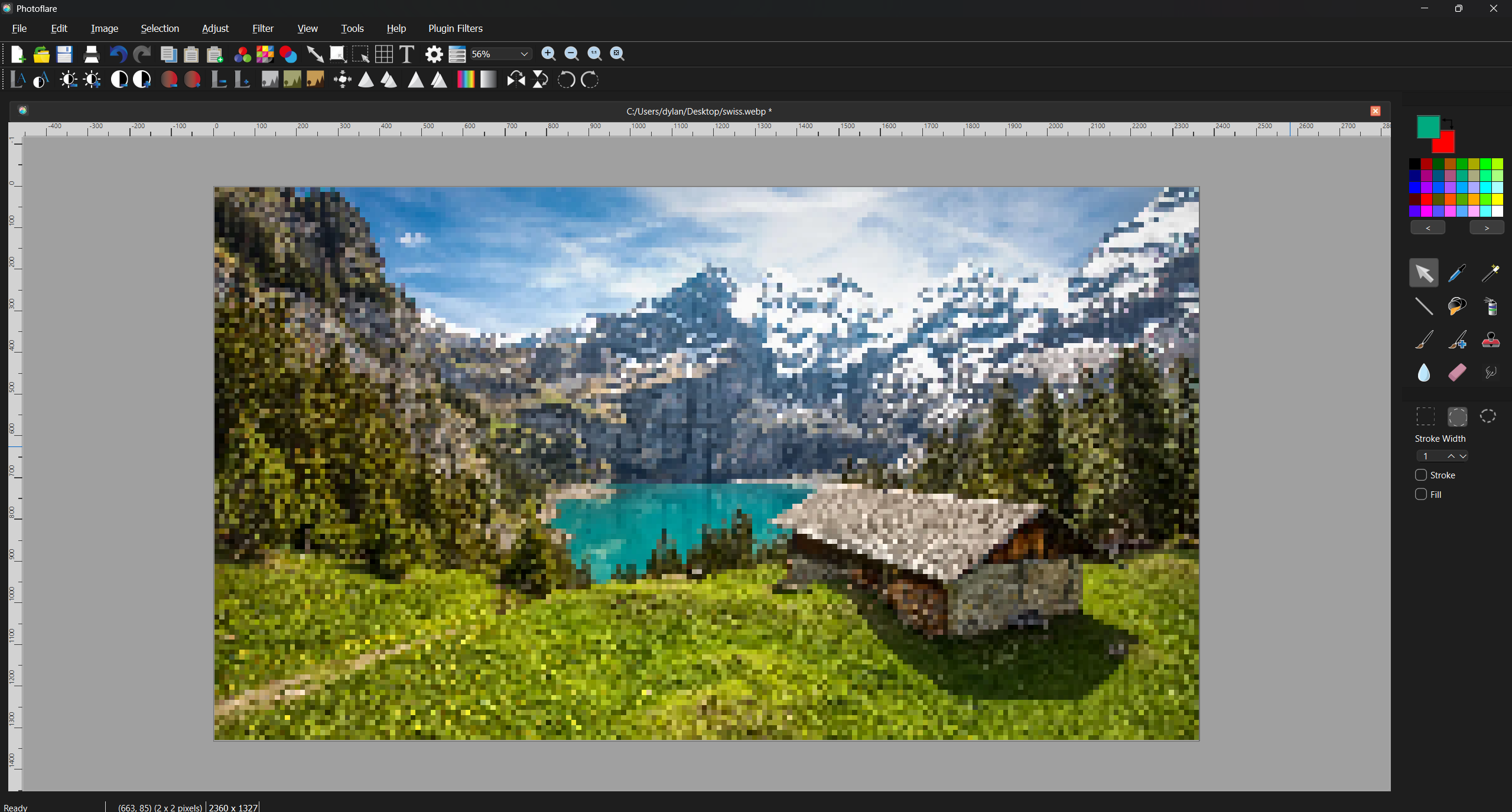
Pixelate
Vignette
Pixel Scatter
Sketch
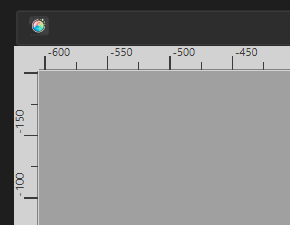
Rulers
Horizontal and vertical rulers added to the canvas. You can toggle the display of these in View menu.
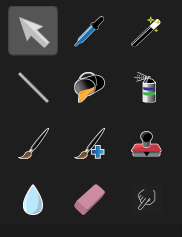
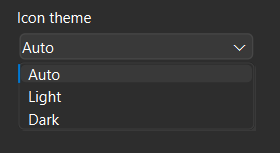
New Icons for Dark Mode
Thanks to a contributor on Github we now have icons that suit the dark mode. Automatically maps to the UI shown or you can select manually via the layout option.

Exif Data Preservation
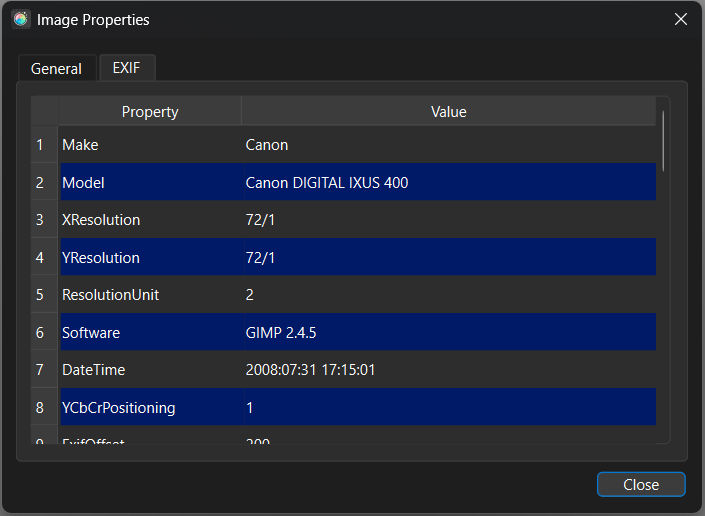
EXIF metadata is now displayed and preserved correctly on save. You can also view EXIF metadata via the File Properties dialog.
File and Clipboard Improvements
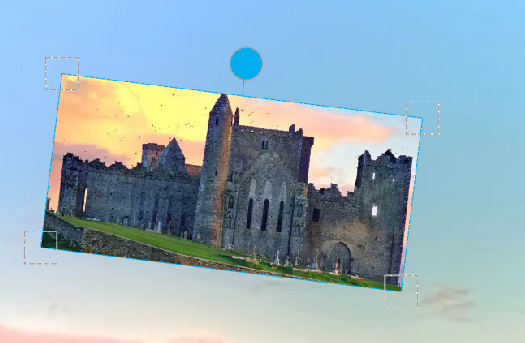
Scale and rotate
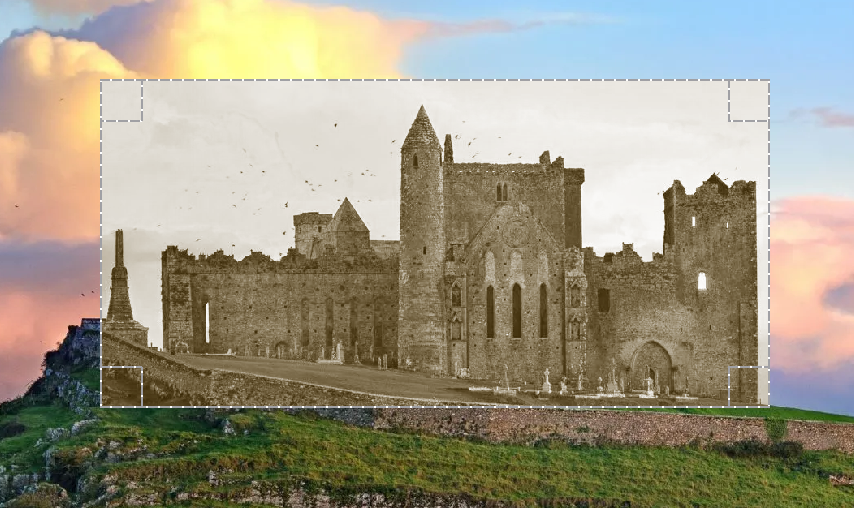
Pasted images have controls to scale and rotate the image.
- Paste as new image feature added.
- Copy, paste, and paste-as-new-image added to toolbar.
- You can now drag and drop to open files and this is also supported for the Batch processing dialog.
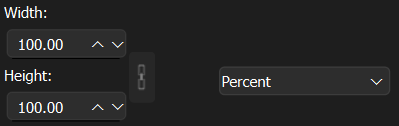
Resize by percentage
Canvas resize now supports entering values as a percentage.
Pan While Zoomed
Images can now be panned using the middle mouse wheel click and drag when zoomed in.
Batch Processing Improvements
- File format validation added.
- Multiple input path selection supported.
- Additional filter options exposed in batch dialog.
- Unable to cancel batch process fixed.
- Strip metadata now correctly applied to all files.
Session and Layout Persistence
- Widget/panel positions saved and restored between sessions.
- Tool settings restored per tool on launch.
- Primary/secondary colours and selected tool restored on launch.
- Filter bar and tool palette visibility synced.
Toolbar Improvements
- Zoom in/out controls added to toolbar
- Grid settings button added to toolbar.
Portable Mode
A true portable mode option added. Settings stored alongside the executable.
AppImage Generation
New automated AppImage build/release generation for Linux.
Korean Language
Korean translation added (contributed by VenusGirl).
Bug Fixes
~50 additional bug fixes including: undo triggering mode apply, grid not updating on rotation, font preview not refreshing, magic wand tolerance mapping, print-to-PDF cropping, smudge tool, spray tool pattern consistency, save-as logic, animated GIF warnings, panel blinking on Windows, text alignment, cursor visibility outside canvas, image preview in open dialog, HueDialog crash, and more.
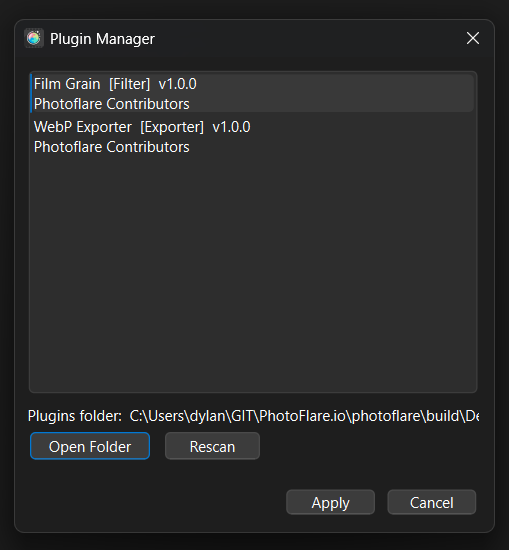
Plugin System
Initial plugin architecture for extending PhotoFlare with custom filters and file format handlers. Includes documentation and export examples.
Docs here: Plugins Developer Guide
What’s Next – PhotoFlare Studio
Adding layers, non-destructive editing, and a professional brush engine to the v1 codebase isn’t feasible – the architecture doesn’t support it without a full rewrite. Rather than quietly abandon these features, I’m building them properly.
PhotoFlare Studio is a new commercial image editor built on the same Qt 6 / C++ foundation, designed to sit between GIMP and Affinity Photo: designed for users who find GIMP’s workflow overwhelming but don’t need everything Affinity Photo offers.
- Layers and blend modes.
- libmypaint brush engine.
- Non-destructive editing.
- RAW file support (planned).
- Local AI tools – no cloud, no subscription.
- One-time purchase, application keeps working forever.
If you want to follow development and be first to know about early access:
Find out more and sign up for early access
PhotoFlare (free, GPL) is not going away. Studio is built alongside it, not instead of it.
Thanks to everyone who contributed translations, bug reports, and pull requests over the past two and a half years.